SIM Swap Scam 2026: How a Florida Woman Lost Her Entire Bank Account in Minutes - and How to Bulletproof Yours
A Florida woman's checking, savings, and brokerage accounts were drained in under 12 minutes by a 2026 SIM swap attack - and she was on her phone when it happened. SIM swap fraud is the fastest-growing financial crime in the United States, and it works against virtually every American with a Verizon, AT&T, T-Mobile, US Cellular, or Spectrum Mobile number. Here is exactly how the scam works, why SMS-based two-factor authentication is now the weakest link in your financial life, and the nine free steps every American should take this week to bulletproof their bank accounts.

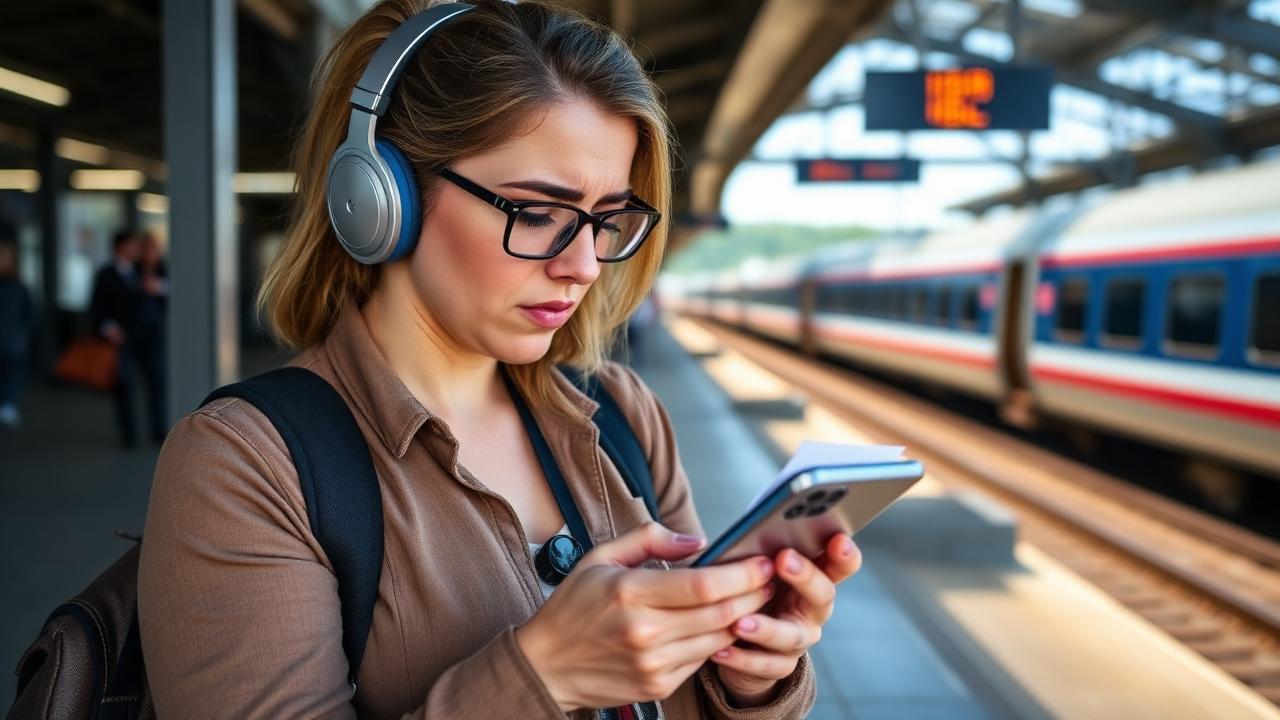
She was on the phone with her sister when the calls dropped. By the time she rebooted, her checking, savings, brokerage, and Venmo accounts were empty - $43,000 gone in under 12 minutes. The Florida woman whose SIM swap nightmare lit up local news this week is not unusual. She is the average. The FBI's Internet Crime Complaint Center logged a record number of SIM swap complaints in 2025 totaling over $200 million in losses, and 2026 is on pace to break that. SIM swap fraud is now the single most efficient way for an attacker to drain a US adult's entire financial life in less time than it takes to brew a pot of coffee.
This article is written for American readers on Verizon, AT&T, T-Mobile, US Cellular, Spectrum Mobile, Mint Mobile, Cricket, Metro by T-Mobile, Visible, Boost, or any other US wireless carrier. We walk through exactly how a SIM swap attack unfolds in real time, why your bank's SMS verification text is no longer enough security, and the nine free, immediate steps to lock down your phone number, your bank accounts, and your email so the same thing cannot happen to you.
What Is a SIM Swap Scam and Why It Drains Bank Accounts So Fast
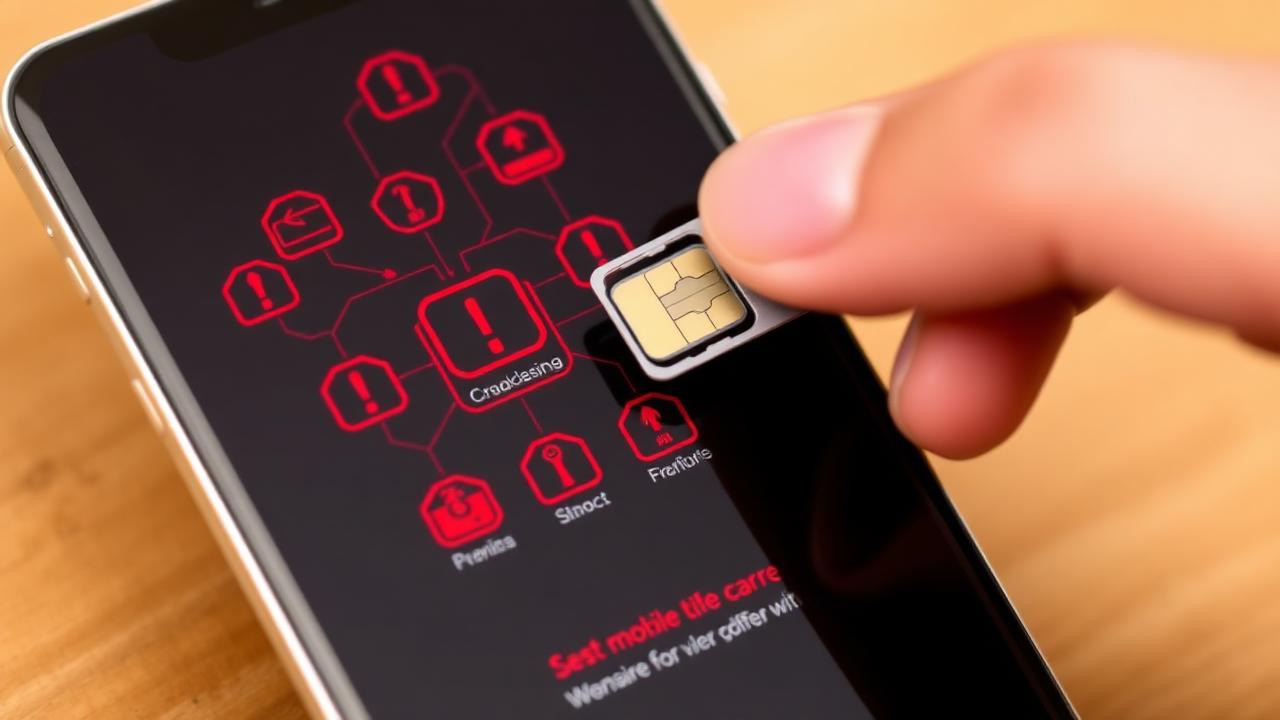
A SIM swap (also called SIM hijacking or port-out fraud) is a social engineering attack where a criminal convinces your wireless carrier to transfer your phone number from your physical SIM card to a SIM card the criminal controls. The moment the swap completes, your phone loses service and the criminal's phone starts receiving every call and text sent to your number - including every SMS-based two-factor authentication code from your bank, brokerage, email, and crypto exchange.
Once the criminal owns the SMS codes, the attack is mechanical. They reset your bank password ('forgot password' sends an SMS), they reset your email password (which receives the password reset confirmation), they bypass 2FA on your investment account, and they wire or ACH your funds out to mule accounts. The whole sequence is automated for experienced criminals and typically completes in 8 to 20 minutes. By the time the victim notices the loss of cell service and reaches a computer, the money is already in motion through the mule network and recovery is statistically near zero.
How Criminals Get the Information They Need to Swap Your SIM
- Data broker leaks - your name, DOB, address, last 4 of SSN sold for under $25 on dark-web markets
- Prior data breaches (Amtrak, Ameriprise, ADT, Anthem, Equifax) that combined contain your full identity
- Phishing texts pretending to be your carrier asking for your account PIN
- Insider threats - bribed or extorted employees at carrier retail stores
- Voice cloning of your real voice from social media to defeat call-center voice verification
Nine Free Steps Every American Should Take This Week
1. Set a Carrier Port-Out PIN at Verizon, AT&T, T-Mobile, or Your Carrier
Every major US wireless carrier offers a free SIM Protection PIN or Port-Out Lock that an attacker must know to swap your SIM. This is the single most important step. Verizon calls it Number Lock, AT&T calls it Wireless Account Lock, T-Mobile calls it SIM Protection / Port-Out Pin, US Cellular calls it Account Security PIN. Enable it tonight in the carrier app or by calling 611. Use a 6+ digit PIN that is not your birthday, address, or the last 4 of your SSN.
2. Move Off SMS-Based Two-Factor Authentication
SMS 2FA was a great upgrade in 2014. In 2026 it is the weakest link in your financial life. Replace SMS 2FA with an authenticator app on every account that supports it - bank, brokerage, email, crypto, payment apps, social media. Google Authenticator, Authy, Microsoft Authenticator, and Apple's built-in Passwords app are all free and dramatically more secure than SMS.
3. Buy a Hardware Security Key for Your Most Critical Accounts
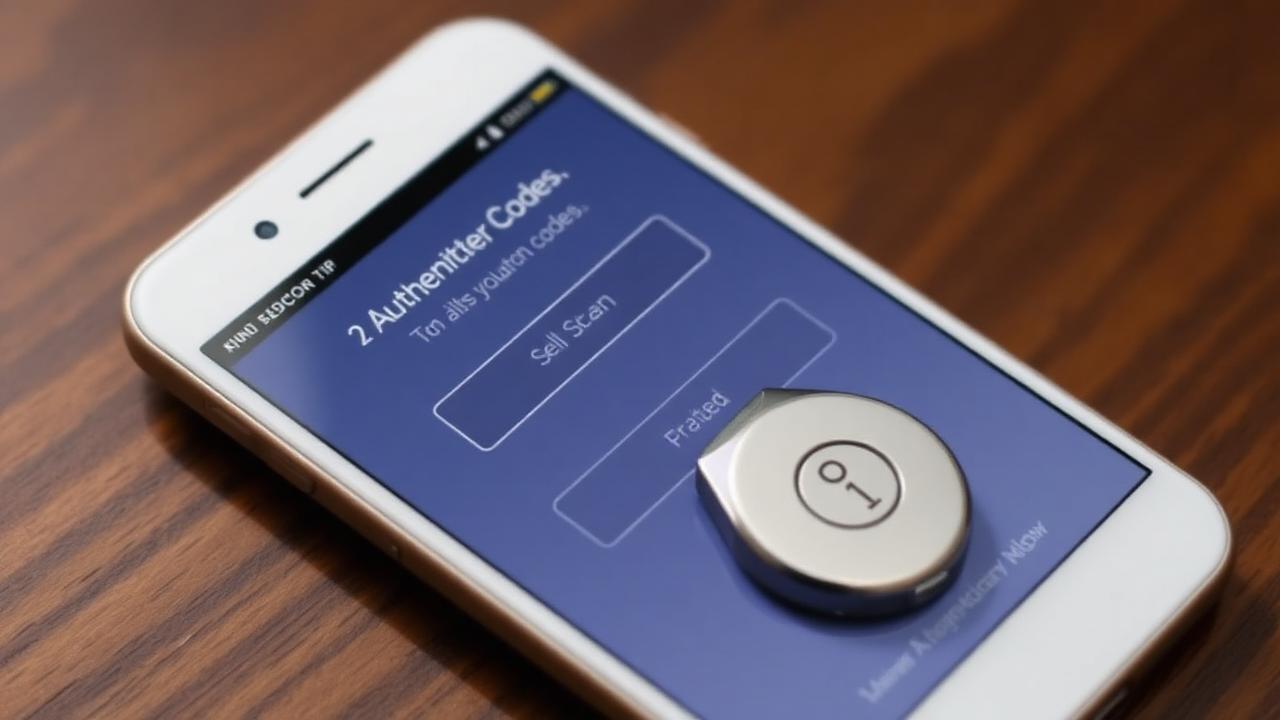
For your primary email and your highest-value financial accounts, a $25-$60 YubiKey or Google Titan hardware security key is the gold standard. A SIM swap cannot defeat a hardware key, full stop. Plug it into the USB port (or tap to phone via NFC) when prompted at login. Many people now keep one key on a keychain and one in a fireproof safe as backup.
4. Remove Your Phone Number from Your Bank's Account Recovery Options
Many banks list your cell phone as the default account recovery and password reset destination. Replace it with an authenticator app where possible, or with a backup secondary email that is itself protected by a hardware key. The fewer accounts that fall back to your cell number, the smaller the SIM swap blast radius.
5. Freeze Your Credit at All Three Bureaus (Free)
A frozen credit report blocks new accounts opened in your name even if a SIM swap succeeds in resetting your existing account passwords. Freezing at Equifax, Experian, and TransUnion takes about 20 minutes online and is free by federal law. This blocks the second-stage 'open new credit cards in the victim's name' phase that often follows a SIM swap.
6. Opt Out of Major US Data Brokers
Whitepages, Spokeo, BeenVerified, MyLife, Intelius, RadarisFastBackgroundCheck, and dozens more sell your name, DOB, address, and partial SSN for under $5. Removing yourself takes patience but is free. Free guides at PrivacyRights.org and ConsumerReports.org list every broker and the opt-out URL.
7. Set a Verbal Account Password at Your Bank
Most US banks let you set a verbal password used in addition to standard verification when calling the call center. Set it. Make it different from any other password. This blocks social-engineering call-center attacks that often follow a SIM swap.
8. Use a Separate, Dedicated Email Address for Banking
Create a Gmail or Proton Mail address that you use only for banks, brokerages, and tax filings. Never share it on social media, never sign up for shopping promos with it, and protect it with a hardware key. The harder this email is to discover, the harder a targeted attack on you becomes.
9. Enable Real-Time Alerts on Every Account
Push notifications via the bank app for every transaction over $1, every login, every new device, every wire request, every external transfer. Push alerts continue to work even after a SIM swap because they ride the bank app over WiFi or data, not over SMS. They give you the 60-second early warning that lets you call the bank's fraud line before the money clears.
If You Suspect a SIM Swap Right Now - Emergency Action Plan
If your phone suddenly loses service while in a normal coverage area, treat it as a SIM swap until proven otherwise.
- Get to another phone or a computer immediately - do not wait to reboot
- Call your bank's fraud line and your brokerage's fraud line - request an immediate freeze
- Call your wireless carrier from another phone and request emergency SIM reversal (use the carrier emergency number on their public website, not the saved number on your dead phone)
- Change your email password from a computer using the carrier 'recovery code' you printed when you set up 2FA
- File an FBI IC3 report at ic3.gov within 24 hours - critical for any insurance or class-action recovery
- File an FCC complaint at fcc.gov/complaints against the carrier for failing to prevent the swap
Will My Bank Refund a SIM Swap Loss?
It depends. Federal Reg E protects unauthorized electronic transfers from a checking account if reported within specific time windows - 2 business days for full protection, 60 days for partial. Brokerages and wire transfers are not covered by Reg E and recovery is much harder. Some homeowners insurance and identity-theft riders cover a portion of SIM swap losses. Some carriers have been ordered by courts to pay damages where they failed to enforce a port-out PIN that was in place. Documentation matters - file the FBI IC3 report, file the FCC complaint, and keep every email.
If we could give every American one piece of cybersecurity advice in 2026, it would be: enable a port-out PIN at your wireless carrier today and move every bank, email, and brokerage account off SMS-based 2FA this weekend. That alone shuts down 95 percent of these attacks.
The Bottom Line for American Phone Owners
SIM swap fraud is now the most efficient way to wipe out an American's financial life. The defense is simple, free, and takes about an hour total - carrier port-out PIN, app-based 2FA everywhere, hardware key on critical accounts, frozen credit, push-notification alerts. Do the hour of work this weekend. The Florida woman in this week's news did not have a port-out PIN and used SMS 2FA on her bank. You can be different by Monday morning.
Frequently Asked Questions
How do I prevent a SIM swap attack on my US phone number?
The single most important step is to enable a SIM Protection PIN or Port-Out Lock at your wireless carrier - free at Verizon (Number Lock), AT&T (Wireless Account Lock), T-Mobile (SIM Protection PIN), and US Cellular. Then move every bank, brokerage, and email account off SMS 2FA to an authenticator app like Google Authenticator or Authy, and use a hardware key like YubiKey for your highest-value accounts.
Will my bank refund money lost to a SIM swap scam?
Sometimes. Federal Reg E covers unauthorized electronic transfers from a checking account if reported within 2 business days (full protection) or 60 days (partial). Wire transfers and brokerage account losses are typically not covered. Some homeowners or identity-theft insurance riders cover a portion. Always file an FBI IC3 report and an FCC complaint - both are critical for any recovery or class-action eligibility.
Is SMS-based two-factor authentication still safe in 2026?
No - SMS 2FA is now considered the weakest mainstream form of multi-factor authentication. The US National Institute of Standards and Technology (NIST) deprecated SMS-based 2FA back in 2017 and that guidance is more relevant than ever in 2026. Replace SMS with an authenticator app or hardware security key on every account that supports it.
What is a port-out PIN and how do I set one?
A port-out PIN is a free numeric code (typically 6+ digits) that your wireless carrier requires before transferring your number to another SIM or carrier. Set it in your carrier app (Verizon Number Lock, AT&T Wireless Account Lock, T-Mobile SIM Protection) or by calling 611 from your phone. Use a code that is not your birthday or last four of SSN.
What is the best authenticator app to replace SMS 2FA?
Google Authenticator is the most widely supported, Authy adds easy multi-device backup, Microsoft Authenticator integrates well with Microsoft accounts, and Apple's built-in Passwords app (in iOS 17+ and macOS Sonoma+) syncs through iCloud Keychain. All are free. For maximum security on critical accounts, add a hardware YubiKey or Google Titan key.
What should I do in the first 5 minutes if I think I am being SIM swapped?
Get to another phone or computer immediately. Call your bank's and brokerage's fraud lines first to freeze accounts (every minute saves potential loss). Then call your wireless carrier's emergency number from another phone to reverse the swap. Then change your email password from a computer using your saved recovery code. File an FBI IC3 report at ic3.gov within 24 hours.
Sources
- FBI Internet Crime Complaint Center (IC3) https://www.ic3.gov/
- FCC SIM Swapping Consumer Guide https://www.fcc.gov/sim-swap
- FTC Identity Theft Resources https://www.identitytheft.gov/
- NIST 2FA Guidelines (SP 800-63B) https://pages.nist.gov/800-63-3/
According to our editorial policy, every source link above was opened and checked against the claim it supports on .