Digital Estate Planning 2026: Crypto, Passwords, iCloud & Google Legacy
The average US household in 2026 owns more valuable digital property than physical property - and almost none of it transfers automatically at death. This is the 2026 playbook: iCloud Legacy Contact, Google Inactive Account Manager, Facebook memorialization, password manager emergency access, RUFADAA state law, and cryptocurrency inheritance via multisig or Shamir Secret Sharing.
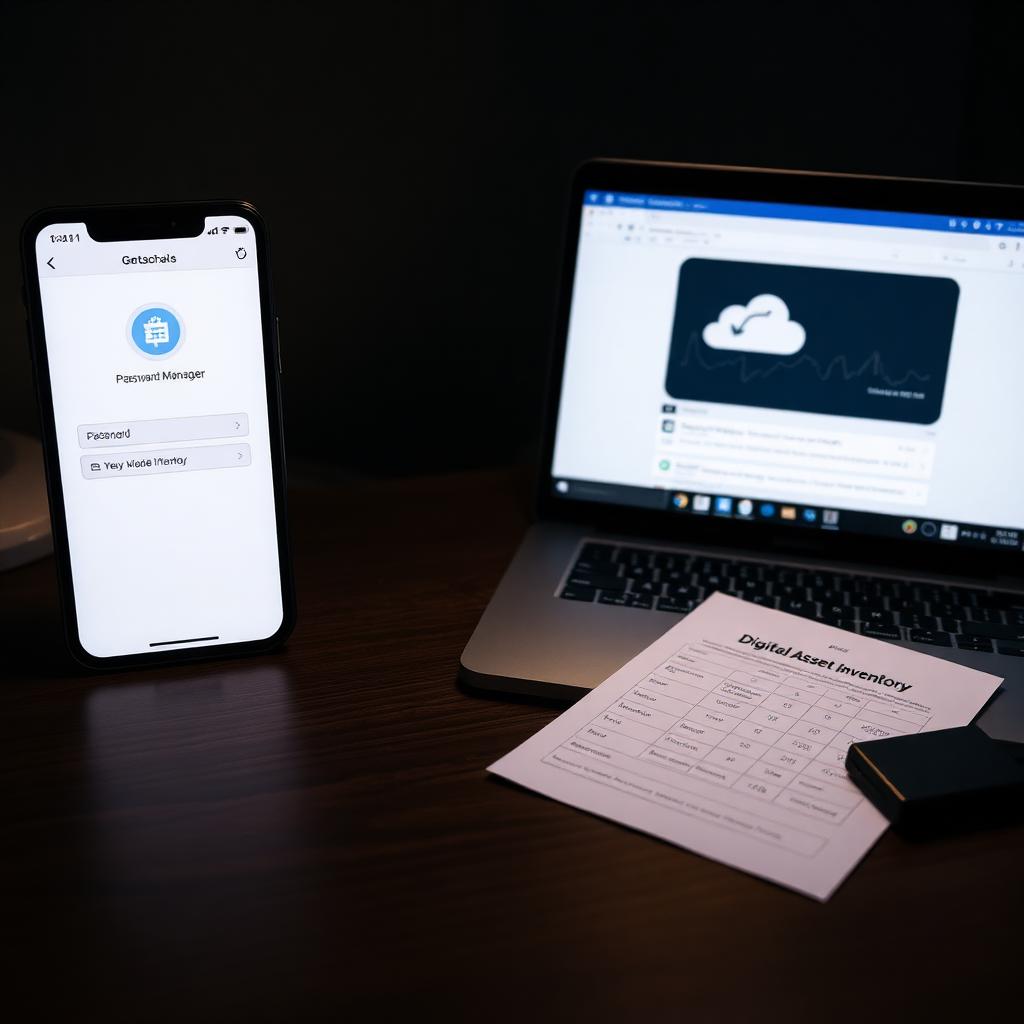
The average US household in 2026 owns more valuable digital property than physical property. A password manager holding 200-plus account credentials. Years of family photos in iCloud or Google Photos. Cryptocurrency held in self-custody. Frequent-flier miles worth thousands. PayPal, Venmo, and Cash App balances. Domain names, social media presences with real audiences, digital subscriptions worth hundreds a month. If you die tomorrow, your executor cannot get to almost any of it without a specific plan you made while alive. This is the guide to building that plan.
What Digital Assets Include (And Why They Matter)
The category is broader than most people think. Digital assets include: email accounts (Gmail, iCloud Mail, Outlook), cloud storage (Google Drive, Dropbox, iCloud), photos and video libraries, social media (Facebook, Instagram, LinkedIn, X, TikTok, Reddit), financial fintech accounts (PayPal, Venmo, Cash App, Wise), cryptocurrency (self-custody wallets, exchange accounts), NFTs, domain names, blog and website assets, subscription services (Netflix, Adobe, iCloud+, Amazon Prime, streaming), digital media libraries (iTunes, Kindle books, PlayStation, Xbox), payment method credentials, loyalty program points and miles, and increasingly, AI-generated content assets and creator-platform earnings (YouTube, Substack, Patreon).
A typical American middle-class household holds $10,000-$50,000 in digital asset value beyond the crypto side, and if you self-custody meaningful cryptocurrency, that number can dwarf the physical estate entirely. None of it transfers automatically. All of it requires planning.
RUFADAA: The Legal Framework Everyone Ignores
The Revised Uniform Fiduciary Access to Digital Assets Act (RUFADAA) has been adopted in nearly every US state as of 2026. RUFADAA sets up a three-tier priority system for who controls a decedent's digital assets: (1) whatever tool the platform provides (Apple Legacy Contact, Google Inactive Account Manager, Facebook Legacy Contact), (2) directions in the will or trust, (3) the platform's terms of service. Tier 1 wins over tier 2 wins over tier 3. This has one enormous consequence: if you configure a legacy contact on the platform, that person's authority overrides whatever your will says. If you did not configure a platform tool, your will controls only for platforms that do not have a tool, and everything else falls back to the terms of service, which usually terminate the account and delete the data.
The practical implication is that setting up platform-level tools during your life is far more effective than writing digital-asset instructions in a will. Apple, Google, and Meta have all built these tools, and they take 5-15 minutes each to set up.
Platform-by-Platform Setup Guide
Apple - iCloud Legacy Contact
Settings > Apple ID > Sign-In and Security > Legacy Contact. Add one or more legacy contacts. Apple generates an access key that the legacy contact needs (plus a death certificate) to request account access after your death. The legacy contact receives most iCloud data including photos, notes, messages, files, and contacts, but NOT DRM-protected media purchases or Keychain passwords. Set this up during a family conversation and share the access key at the same time. Cost: $0. Time: 10 minutes.
Google - Inactive Account Manager
myaccount.google.com > Data & Privacy > More Options > Make a Plan for Your Account. Choose how long Google should wait after inactivity (3-18 months), designate up to 10 trusted contacts, choose what data each contact can receive (email, Drive, Photos, YouTube), and optionally have Google delete the account after the waiting period. Fully automated - no death certificate or legal filings required if you have set it up. Cost: $0. Time: 15 minutes.
Facebook and Instagram (Meta)
Facebook Settings > Personal and Account Information > Account Ownership and Control > Memorialization Settings. Choose a legacy contact to manage a memorialized account after death (or choose account deletion). Legacy contacts can pin a memorial post, respond to friend requests, and update the profile photo but cannot log in as you. Instagram has a similar (simpler) memorialization request flow that requires a death certificate. Cost: $0. Time: 10 minutes.
Password managers
1Password Emergency Kit, LastPass Emergency Access, Bitwarden Emergency Access, and Dashlane Emergency Contact all offer designated-contact features that grant emergency access to your vault after a waiting period you set. Configure at least one trusted emergency contact, print the master password recovery kit and store it with your estate documents. If you use no password manager, start today - the fact that you are the only person on Earth who knows most of your account passwords is itself a preventable estate risk.

Cryptocurrency: The Highest-Stakes Digital Asset
Self-custody cryptocurrency is the extreme case of digital estate planning. If your executor cannot find the seed phrase to your hardware wallet, the coins are gone. There is no institution to appeal to, no password recovery, no customer service line. The math is unforgiving and permanent. The Chainalysis Crypto Crime Report estimates roughly 20% of all Bitcoin in existence is lost to forgotten or destroyed keys, largely from early holders who died without inheritance planning.
Effective approaches for crypto inheritance:
- Multisignature (multisig) wallets - Casa, Unchained Capital, and similar services offer 2-of-3 or 3-of-5 signing schemes where you hold the primary keys and a designated inheritance contact holds a backup key that becomes usable after a death verification process
- Shamir Secret Sharing - split your seed phrase into multiple parts (typically 3-of-5) and distribute the parts to people you trust or geographic locations so no single party has full custody but the executor can reconstruct the seed after death
- Sealed instructions with a trusted attorney - a physical envelope containing the seed phrase, held by an estate attorney with instructions to release only on presentation of a death certificate and specific ID from named beneficiaries
- Exchange custody with beneficiary designation - Coinbase, Kraken, and Gemini all offer beneficiary designation processes. Simpler but reintroduces custody risk you may have moved off-exchange to avoid
Whatever mechanism you use, include a written inventory in your estate documents listing every wallet address, exchange account, hardware wallet manufacturer and model, and the specific process the executor should follow to gain access. Do NOT put the seed phrase itself into a will (which becomes a public probate document if used). Do use a trust or sealed attorney-held instructions for the sensitive credential itself.
The Digital Asset Inventory: The One Document Every Household Should Build
Regardless of which platforms you use, one deliverable does most of the heavy lifting: a written digital asset inventory. This is a document (spreadsheet, encrypted note in your password manager with emergency access enabled, or paper printed and stored with your estate documents) listing every online account of value with: platform name, account username or ID, general purpose of the account, and (via password manager, NOT written in plain text on the inventory itself) how the executor accesses credentials. Update it every 6-12 months.
Include: bank and brokerage accounts, retirement accounts, insurance policies, PayPal/Venmo/Cash App, cryptocurrency, email accounts, cloud storage, photos and video libraries, social media, subscription services, domain names, blogs and personal websites, loyalty programs, digital media libraries. Anything that has value or that your executor would need to close. The inventory itself is the roadmap; the password manager (with emergency access configured) is the key.
Bottom Line
Digital estate planning is the fastest-changing part of the estate planning stack and the one with the widest gap between what most people have set up and what they need. Configure the platform-level tools this weekend (iCloud Legacy Contact, Google Inactive Account Manager, Facebook Legacy Contact, password manager emergency access). Build a digital asset inventory and update it twice a year. If you self-custody cryptocurrency worth more than roughly $10,000, set up a multisig or Shamir-backed inheritance scheme rather than trusting a scribbled seed phrase in a safe. And integrate all of it into your broader Estate Planning 2026 stack so your executor has a single roadmap rather than a scavenger hunt across a dozen platforms.
Frequently Asked Questions
What happens to my Apple ID and iCloud when I die?
If you configured an Apple Legacy Contact during your life, that person can request access to most of your iCloud data (photos, notes, files, messages, contacts) with your access key plus a death certificate. Without a legacy contact, the account is difficult to access and DRM-protected purchases and Keychain passwords are not recoverable.
How do I leave Bitcoin or cryptocurrency to my heirs?
Use a multisignature wallet service (Casa, Unchained Capital) with an inheritance protocol, split the seed phrase using Shamir Secret Sharing across several people you trust, or hold sealed instructions with an estate attorney. Never write the seed phrase into a will, which becomes public if it enters probate.
What is RUFADAA?
The Revised Uniform Fiduciary Access to Digital Assets Act, adopted in nearly every US state. It creates a priority system where platform-level tools (Apple Legacy Contact, Google Inactive Account Manager) override written will instructions, which in turn override the platform's default terms of service. Setting up platform tools is more effective than writing digital instructions in a will.
Should I put my passwords in my will?
Never. A will can become a public probate document. Instead, use a password manager with an emergency access feature (1Password Emergency Kit, LastPass Emergency Access, Bitwarden Emergency Access) and designate a trusted contact. Print the recovery kit and store it with your estate documents in a fireproof safe.
What happens to Facebook when someone dies?
Facebook offers memorialization (converts the profile to a memorial page) or full deletion. A designated legacy contact can manage the memorialized account. Without a legacy contact set up in advance, family members can request memorialization or deletion with a death certificate, but nobody can log in as the deceased user.
Do I need a digital executor?
Some estate plans name a separate digital executor who handles online accounts, cryptocurrency, and cloud data. This is not strictly required (the main executor can handle both), but if your digital estate is large or complex (self-custody crypto, creator business, meaningful cloud IP), naming someone specifically qualified for digital matters is worth considering.
Sources
- Uniform Law Commission - RUFADAA https://www.uniformlaws.org/
- Apple Legacy Contact https://support.apple.com/en-us/HT212360
- Google Inactive Account Manager https://myaccount.google.com/inactive
According to our editorial policy, every source link above was opened and checked against the claim it supports on .